
 David has worked in a variety of environments, often in leadership roles and always learning from every situation. Here are his words concerning his development history… Before Windows was prevalent, I built a DOS-based educational management system in Borland Pascal that loaded software from other vendors, ran lessons for students, then collected the scores for teachers to assess. Rules were implemented for automatically reviewing tough areas or advancing through easy material. Plowing through a variety of programming languages, such as C, BASIC, FORTRAN, and working with other developers on the team taught incredible lessons in multitasking, quick learning, and flexibility. Plus, wading through the plethora of Novell NetWare manuals taught me more than I wanted to know about networking.
◊ See below: C, C++, and C#
Later, in a support role at a company that built clean rooms for high-tech manufacturing plants, I gained valuable insight into how non-technical people simply wanted to get their job done in spite of the computers they had to use. Synchronizing remote laptops, hooking up printers and fax modems, rebuilding an online job-scheduling web site, and installing the first video conferencing system were all part of the daily task list. I can’t say learning Perl or ASP in the line of work was useful for anything more than giving me a greater appreciation of other programming languages, but it did cement the idea I need to be constantly flexible and open to learn whatever environment in which I am placed.
◊ See below: Pascal
Another role involved working in a team of software developers on a commercially sold Windows application that gave new life to an antiquated telephony system. Having an actual separate test person in the group was a huge benefit to building a very solid application. This position taught a lot about several software development practices being used in larger corporations–and why they are so important. As a manager myself later, this experience helped me build a better programming department.
◊ See below: Retail
I have worked in the retail sector providing data integration services and extending functionality to commercial POS (point-of-sale) management programs. This endeavor has had more variety and a steeper learning curve than almost anything encountered before. Every business does things differently, whether it needs to charge a second tax for certain provinces in Canada, process gift messages based on a flag in the line item, update a remote inventory database in real time, use a new payment gateway, provide seamless membership management, or require custom-generated tracking numbers on a complex packing list report, retail is a complex and constantly evolving environment. Sometimes a simple export to a web service is all that is required. Other times, the plethora of plug-ins, timed updates, and carefully formatted files can lead to confusion of the most astute. It’s always fast-paced as retailers need new ideas implemented quickly to keep up with consumer demand and new ways of doing business!
◊ See below: Linux
While Windows have been the prevalent operating systems to support and work with throughout my career, there have been interesting side-notes in other areas as well. I’ve modified Business BASIC code in SCO Unix, supported an email server in Red Hat Linux, hosted multiple Linux-based web sites, and even worked with FoxPro for Macintosh many years ago.
 My favorite operating system to play with is Linux (and if that doesn’t prove my geekiness, would it help to mention I used a customized Raspberry Pi to stream my music library for a while?), and although it can be frustrating at times if you don’t know the right commands, it’s also very rewarding when you can craft a script that automates a complex process. A friend of mine once remarked that “Linux is for adults!” and I soon demonstrated by accidentally deleting all the files in an accounting system just because I put in a space where it didn’t belong (fortunately, we were able to restore everything from backups before anyone found out!). The most important thing I’ve learned over the years is that one should never stop learning. Every project is different, every customer important, and no one technological solution is the one answer for everyone.
Platforms & Languages
Delphi / Pascal
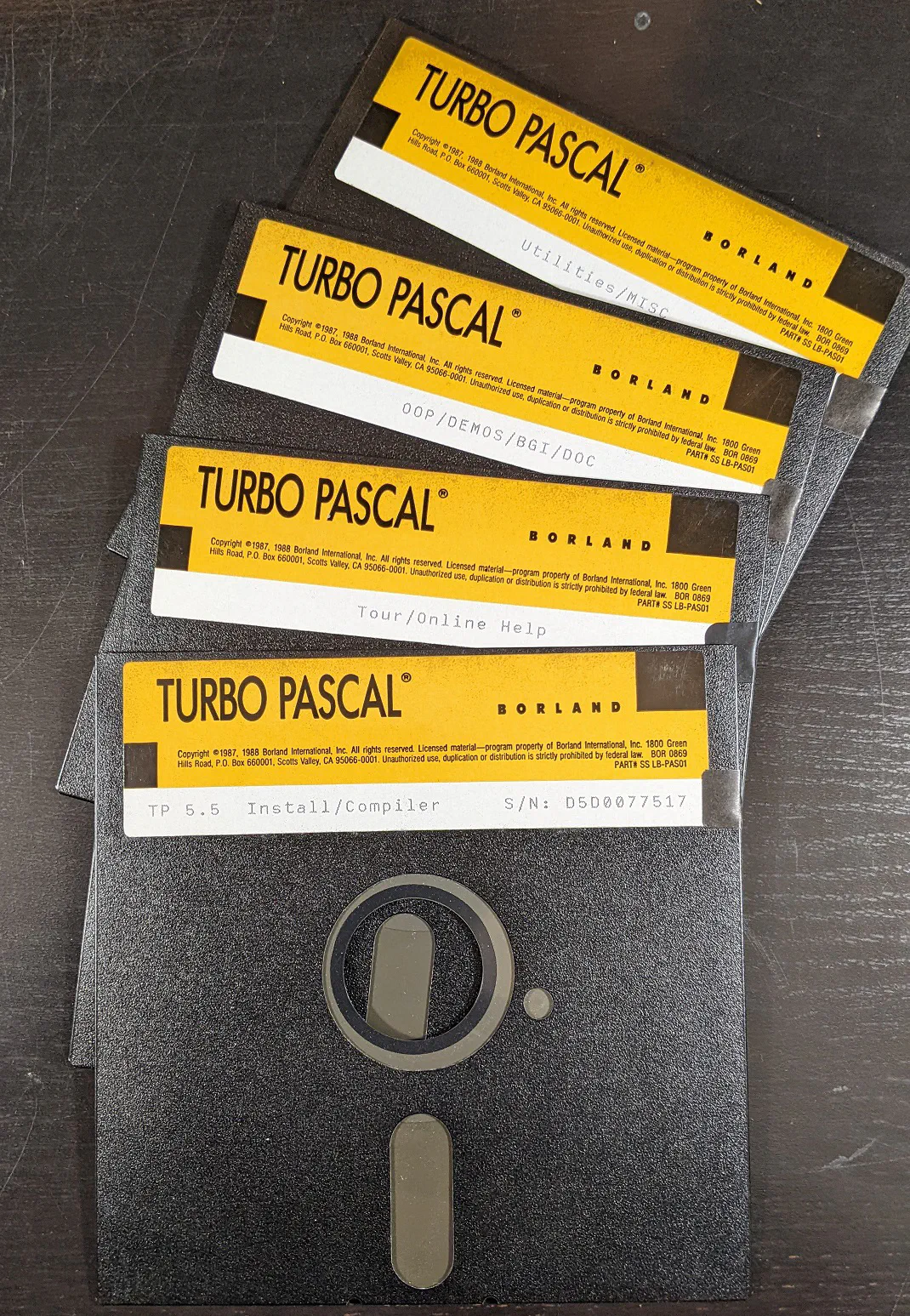 It can be said that I started working with Delphi before it was Delphi. I studied Pascal in college and used Turbo Pascal in my first major programming job. It soon turned to Borland Pascal and when Windows 3 started getting popular, looked briefly at OWL but quickly embraced Delphi, Borland’s successor on Windows to their highly successful Pascal compiler on DOS.
The applications I’ve written include an educational management system, embedded report generators, DLLs, COM servers, automated database integrations, small hobby projects, a variety of accounting programs, and complete business management systems. I’ve also worked in healthcare, including the complex business of medical bill repricing in one case and writing data acquisition programs for human subjects at a local research hospital in another. Retail made up a large chunk of my Delphi experience for nearly two decades, writing plugins with Delphi 5 and Delphi 10.2 Tokyo, unattended synchronizations in Delphi XE2, then in the Delphi 10.x series, and most recently, cross-platform apps with Delphi 10.4 Sydney and 11 Alexandria.
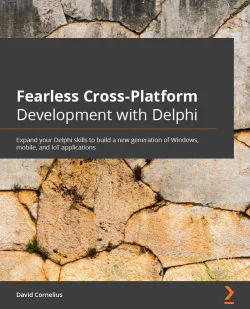 In the last few years, the company producing Delphi saw the mobile operating systems market explode; so, using the graphical framework, FireMonkey, they have enabled Delphi developers to write applications targeting iOS and Android devices. In fact, I wrote a book about it to take someone like myself, who only had experience on DOS and Windows, and teach them how to embrace this new world with a programming tool we already know and love. It shows how to write Delphi apps that run on Mac OS, iPhones and iPads, Android, how to talk to Bluetooth and IoT devices, how to write web servers for both Windows and Linux, and even how to put your app on a Raspberry Pi!
Another diversion away from Delphi but still utilizing the Pascal language has been to the Linux side of things. A devout group of people built a completely open source Pascal compiler called Free Pascal that I used to build a web application that provided software registration for a commercially sold insurance management system for several years. Lazarus is the free integrated environment for working with and compiling Free Pascal and is very similar to Delphi 7.

Since 2000, I’ve been the coordinator of the Oregon Delphi User Group that meets in the Portland area. Even as Delphi has become less of a key player in the programming world, the group has survived and continues meeting on a fairly regular basis, facilitating continued support and camaraderie around the stable and continually evolving development tool.
I still love and use various versions of Delphi to support products old and new, keeping my eye on the latest features and participating in popular Delphi forums discussing trends in software development.
Long Live Delphi!
C / C++ / C#
 In 1985, I was thinking of learning C while reading a Dr. Dobb’s Journal on programming and saw an advertisement for a new C compiler by Mark Williams Company. They were producing some enterprise-level software but decided to write a low-cost C compiler and market it to hobbyists, or poor college students such as myself. This particular ad promised to give away the first 75 to whomever requested it. I was happily surprised to win my first C compiler for the IBM PC adorably named, “Let’s C.”
A few years later, I wrote a reading comprehension program with Turbo C++. It was a graphical program that asked questions at the end of a story and graded the reader’s answers. On that project, I was given the choice of language and although Turbo Pascal could’ve done the job quite well, I’m always interested in opportunities to grow my skill set and broaden my understanding of other tools.
 I have used Visual Studio in several capacities, one of which was an application to synchronize customers, inventory, and sales between a web site and chain of sports stores. I’ve written DLLs and sample plugins and XML-parsing tools, and can read C# just as well as any other language. I actually really like the terse syntax of the language (and even submitted an entry to the Obfuscated C Contest many years ago). Knowing C and it’s derivatives has helped ease the learning curve to other languages such as PHP and JavaScript.
Windows
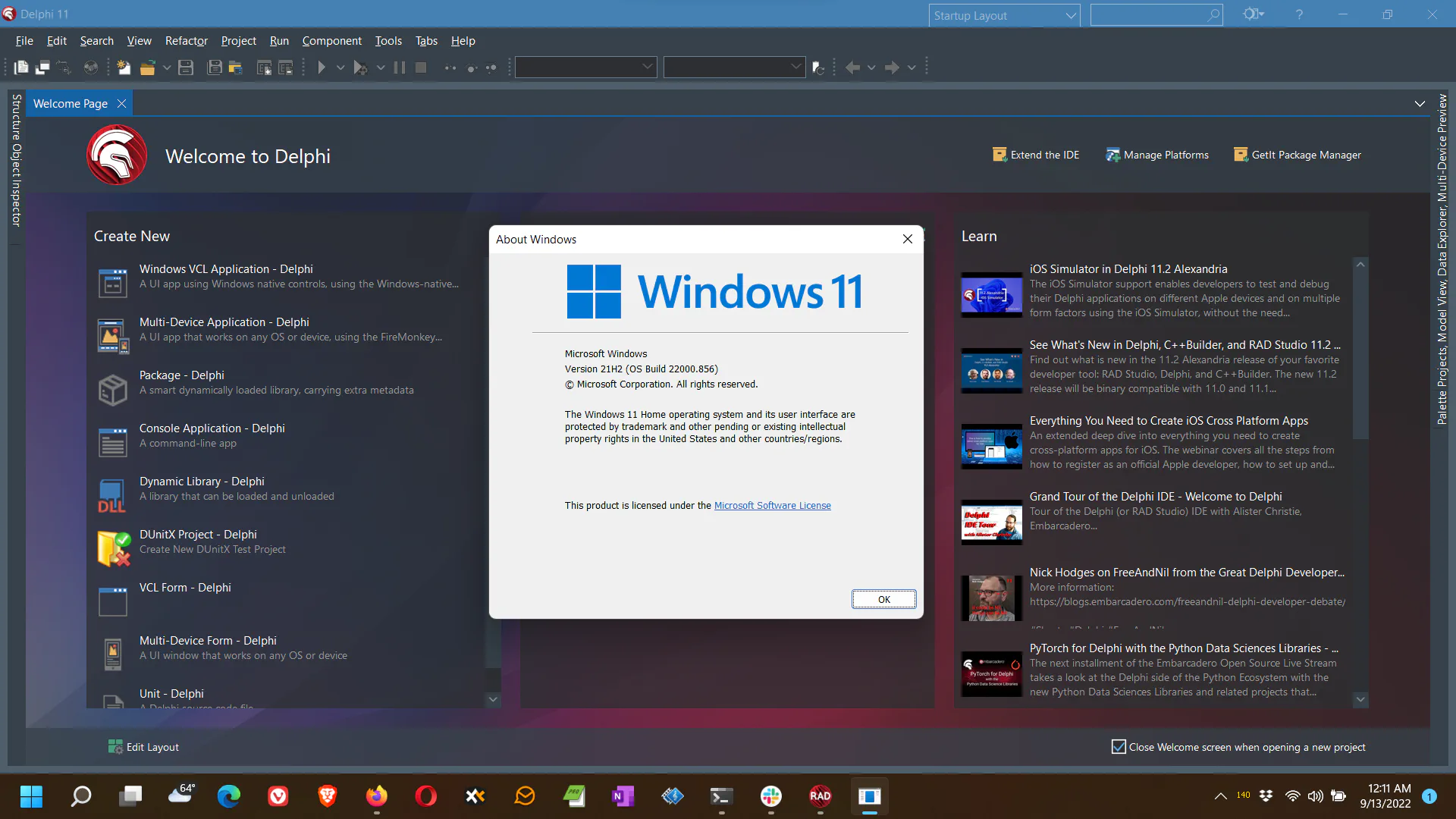
In the early days, I was feeding floppy disks on IBM PCs and replacing my own motherboards and memory chips. My first long-term programming job was developing a DOS-based educational management system so I was soon firmly entrenched in the Microsoft operating system. As my career grew and changed, I naturally moved to Windows and kept using more powerful versions Borland Pascal and then Delphi.
Today, while Delphi can produce applications for many different platforms, its main IDE (Integrated Development Environment) still requires Windows. And that’s OK with me. Everyone has their favorites and when it comes to desktop computers, I am most productive on Windows machines given my long history with it and it’s command-line-oriented predecessor.
We currently use Windows 10 and 11 for development but keep virtual machines with older copies of the OS in case we need to test compatibility. We have ready access to Windows 8.1, Windows 7, and even Windows XP. We also have an in-house Windows 2016 Server and utilize virtual Windows Servers in the Microsoft Azure cloud.
Most of our clients primarily use Windows so it’s easy to troubleshoot and support when needed.
Mac & iOS
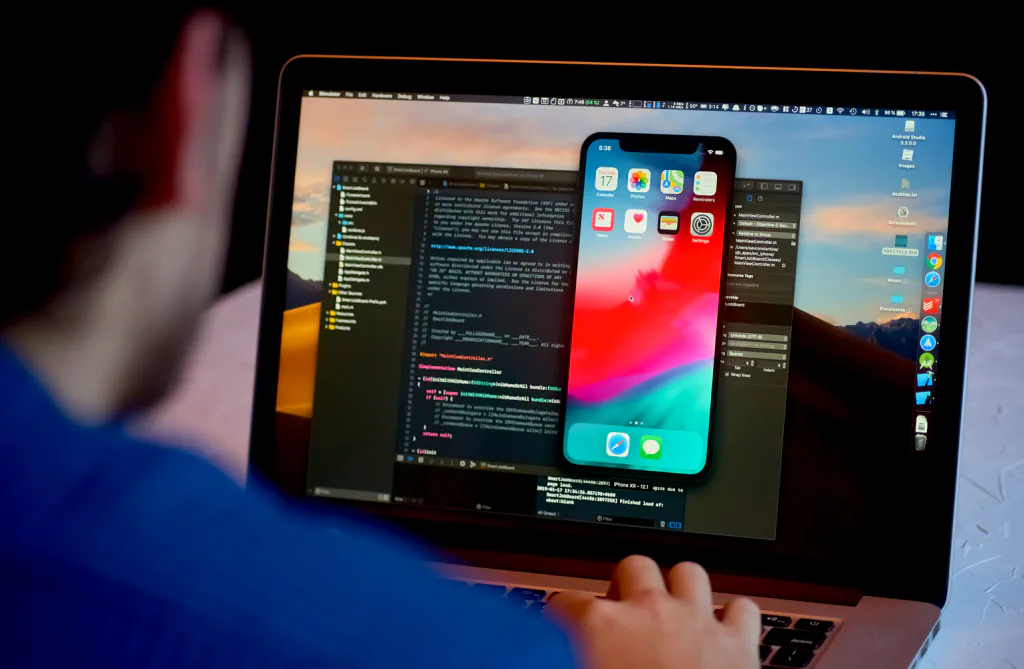
Developing for the iOS platform requires the use of a Mac desktop computer and after acquiring one a few years ago, I must say I like the solid beauty and simplicity of it. It’s been a fun learning experience and I am slowly accumulating a list of utilities and tricks for my personal productivity tastes. It’s interesting to note that Macs can run virtual machines with Windows but not the other way around. I have built some cross-platform apps and appreciate Apple’s Development Guidelines–if more people built software with these ideas in mind, there’d be a lot less confusion and need for tech support.
Android

Android phones and tablets are used in every corner of the globe–and in many embedded devices as well. We’ve built mobile apps that work on both old and new models of phones and tablets (including an Amazon Kindle). With Android, you also have the option of putting the OS (and therefore an Android app) on a Raspberry Pi! There are many interesting differences in developing for iOS versus Android.
Linux
 I’ve had a great interest in free software for a long time and in college bought a book on designing operating systems. It came with a small Unix-like sample on the included floppy disk called Minix. I didn’t have time to do much with it at the time. After Linux became popular, I read about the history and discovered Linus Torvalds had used the same text but had taken it much further and put his own twist on it until it became a world-wide phenomenon. I’ve always wondered what I would be doing today if I had explored that avenue further, but I am much more of a high-level applications developer (although I did actually enjoy the assembly classes I took).
Much of my dealing with Linux has been indirectly tied to web servers in one sense or another. Whether it’s setting up a Drupal CMS (Content Management System), configuring Apache web server settings, backing up a MySQL database, searching the logs of a SaaS, or building a site from scratch in PHP, Linux is a huge part of the internet and knowing how to get around and make it do your bidding is an extremely useful skill.
 When MS-DOS was king on PCs, I was a command-line wizard. When Windows was thrust upon me, I did not want to take my hands off the keyboard to point at things. I have found the command prompt to be quite useful in today’s versions of Windows, but Linux has made keeping those typing those skills and knowledge of scripting with arcane tools a necessity. (I’ll admit to a certain amount of pride at being able to type a long list of commands and options to get a job done efficiently.) In this environment, I have found that Free Pascal, PHP, and (if I must), a little Perl script, can accomplish most anything an expensive Windows server can. Again, it’s not the panacea some proponents hope for, but I’m happy to support it if the task demands.
Web Development
I built my first web site in the 1990s from scratch with HTML. I later hooked it up with PHP to a MySQL database–again, all hand-coded. Now, I use Drupal, a powerful Content Management System to quickly set up sites (like this one) with dozens of pages that can be modified with a few keystrokes and show dynamic content. My, how far we’ve come!
Web programming is one of the more complex software development challenges. Combining database access, multi-user access, security over the internet, supporting various form factors, and managing external files are just some of the issues to deal with.
We’ve used several tools depending on the size of the project and the use case. Delphi makes it easy with a variety of popular frameworks for building everything from small apps generating dynamic HTML to REST servers powering mobile apps.
The power is there–and the possibilities are endless!

Retail

I started working with Retail Pro 8 in 2004 doing integrations and plugins. I soon joined Retail Dimensions, Inc. full time and expanded my skills to work with Retail Pro 9 by attending the first classes on integrating with the new product line. I became a key developer at RDi on these applications and worked with many retailers over the years with quite a variety of business needs.
 It didn’t take long to learn that no retail enterprise runs their operation quite like any other. From shipping and fulfillment, external CRMs, a plethora of loyalty programs, new types of payment systems, and remote workers, there’s always a new API or file format or platform interface to work with. There’s no one that can say they’ve seen it all–but the ability to enthusiastically learn new technology is crucial. Here is a sample of the types of retail integrations I’ve built for Retail Pro versions 8 & 9 over the years:
-
Inventory export to SmartEtailing for bike shops
-
Custom coupon handling and item discounts for a set of farm stores
-
Sales data export for analysis and reporting to a third party
-
Email server with custom plugin for sending receipts to motorcycle customers
-
Custom Purchase Order, Slip, and Voucher integrations
-
Membership import and lookup to link a donor program with Retail Pro
-
Payment processor for Chinese tourists in Canada
 In addition to the breadth of experience, I support applications I’ve written (and sometimes that others have written) for literally decades. I keep old code and old development systems around just in case someone needs an update. Recently, that came in handy as several applications that had been running smoothly sending files to a remote system via SFTP suddenly needed an update because the technology standards had changed. But whenever practical, I upgrade systems to keep them running and relevant. Keeping up with all of this is a challenge. But it’s what I do. It’s my passion.